

Make your software remarkably usable.
vykee makes it easy for humans and agents to use your software. Show new users a simple version of your app and reveal advanced features only when they are ready.





What is vykee?
A new way of User Onboarding.
Most products show everything at once and then try to explain the chaos with tours, checklists and popups. vykee takes the opposite approach: simplify the product first, then reveal complexity when it actually becomes useful.
Onboarding
Start with the version users can actually understand.
Show new users a simple version of your app. Advanced features are revealed when users are ready, or actively decide to use them.
Feature Management
Control which features different users can see.
Decide which features are visible for a user type, role or status so every user only sees what is relevant to them.
Analytics
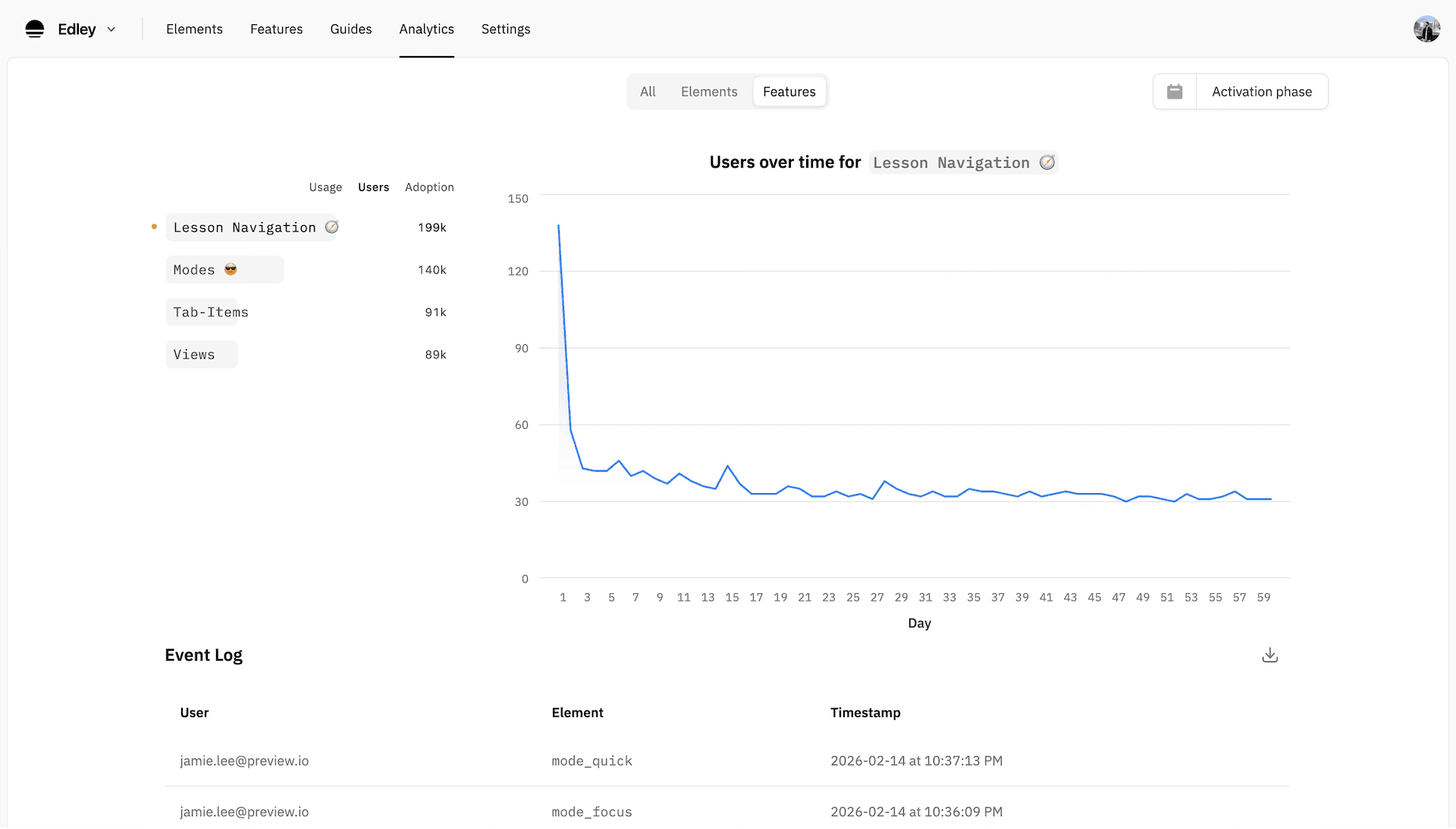
See where activation breaks.
Focus on what matters. Understand exactly how users and agents use (or don’t use) your product.
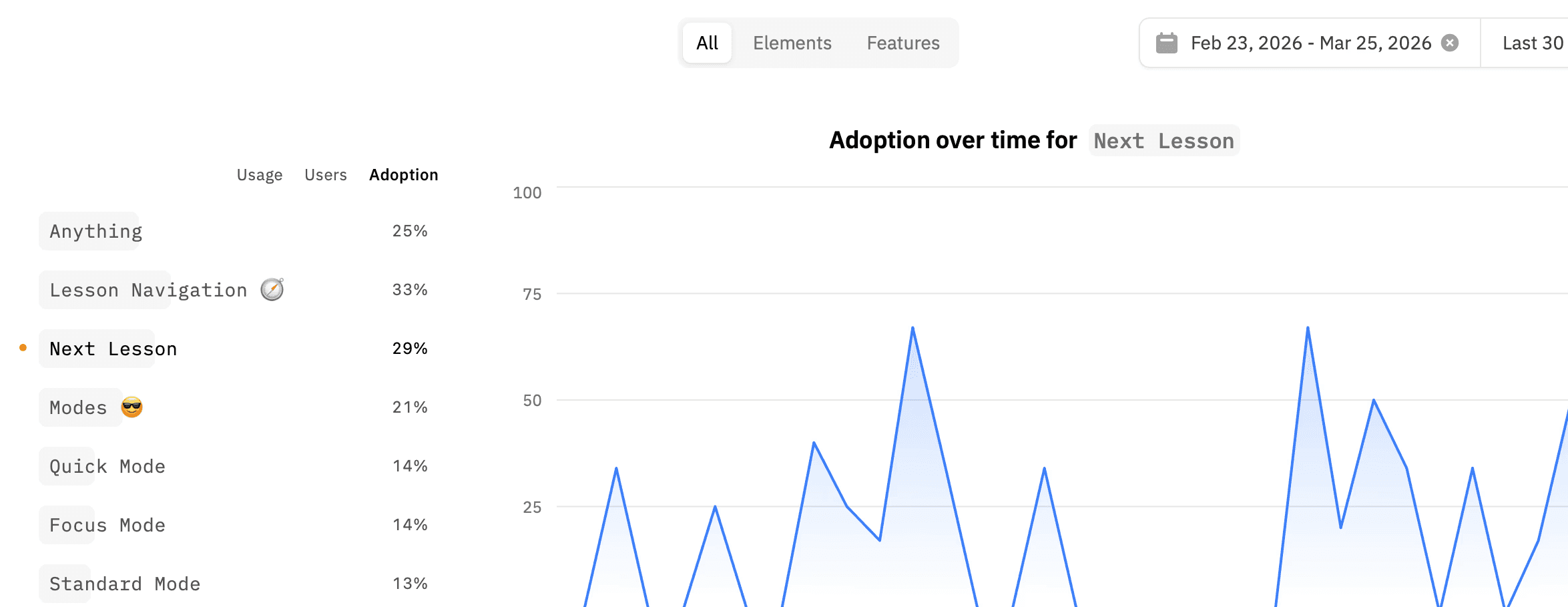
Which features they use
See what actually creates progress.
Where they get confused
Find the moments where adoption slows down.
Why they are not activating
Understand the blockers that lead to churn.
Agent-ready
Usable for humans today, and for agents tomorrow.
vykee can translate your UI into an easy-to-read format for LLMs, so agents can use your software, too.

FAQ
What is vykee?
vykee is a tool for User Onboarding and Feature Management. You can use it on your SaaS application to improve user experience, increase product adoption and retention, and to control which features are available to different users.
What makes vykee different from other customer onboarding software?
Instead of forcing users to learn the entire product all at once, vykee allows users to discover your product intuitively. vykee hides non-essential features for new users. New features are introduced gradually (based on user behavior), as they become relevant. This reduces cognitive load and ensures users don’t feel overwhelmed, which prevents churn.
But how will users see value if features are hidden?
Users will see a “Simple Mode” toggle, so it’s clear they’re viewing a simplified version of the app and can switch to the full version anytime.
More importantly, users see value when they understand the product quickly. Too many features upfront can delay or block that “aha” moment instead of creating it.
Does it actually work?
Yes! The principle of hiding non-essential information is called "Progressive Disclosure". This concept is used by some of the most-loved products and companies (like Apple, Notion, Figma, and many more).
What are typical use-cases?
Make your interface easy to use – offer a beginner-friendly version of your SaaS, without having to change your UI or delete features you already built.
Onboarding – launch guides that explain your product with simple, on-screen step by step instructions.
Feature Management – show or hide features based on user roles, permissions, or behavior.
Analytics – see which features are used and at what stage.
How can I install vykee?
Simply copy and paste the vykee-script into your code – that’s it. Message support@vykee.co if you need help. 🙌
Can I try it first?
Sure! There’s a 7-day free trial – no payment info required. If you need more time, just let us know.
Try vykee now ✨
Make your software easier to learn
Build adaptive onboarding, create "aha" moments, and improve product adoption without redesigning your whole app.
Try it free